Strange but true.
If you switch the view discipline from Structural to Architectural then these tools are enabled.
Apply the hidden lines by first clicking the object you want to see through, then the object you want to see under.
Remember to switch your view back to Structural afterwards.

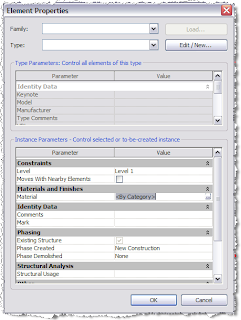
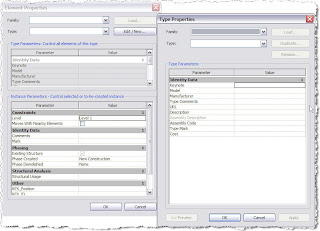 As you can see no hint of how to change it's material ....
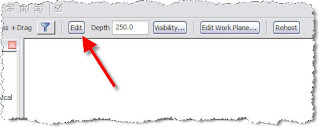 Then go to the Extrusion Properties where you will see the Material defined as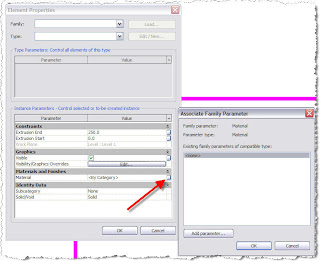
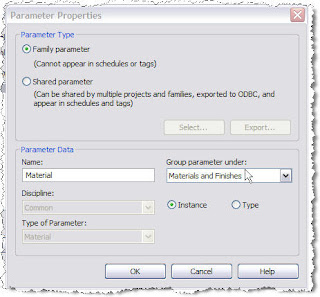 Then OK a few times and Finish Family.